No script
STOPPED TICK0 CYCLE10 ms
Discord
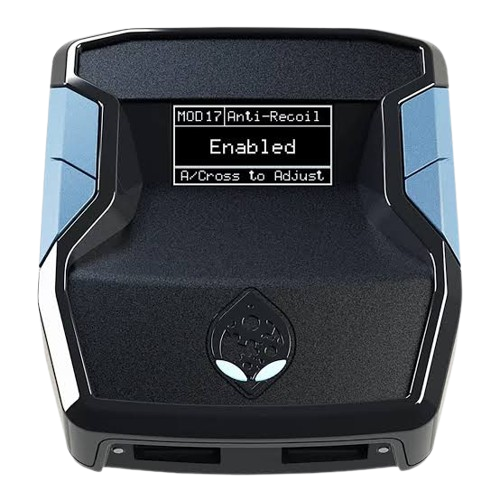
Zen device
Gameplay source

To include its sound, tick "Also share tab audio" (or "Share system audio") in the browser's picker. You stay on this tab after choosing.

Record
Sound

Gameplay sound is included when you shared it with audio. Videos save to your downloads as WebM.

Screen look
Desk
Capture the screen

Your GPC script, on a Zen, in the browser

Load a script and it runs straight away: the screen, the controller and the device monitor all react like the real thing.

  1. 1
    Load a scriptDrop a .gpc file anywhere on the page, or press O.
  2. 2
    Press buttonsClick the controller, use the keyboard, or plug in a real pad. Right-click a button to hold it down.
  3. 3
    Record a tutorialPress S for studio: a big screen with the buttons you press shown on screen.

Keyboard

Controller

↑↓←→
D-pad
A or Enter
A / Cross
B or Backspace
B / Circle
X
X / Square
Y
Y / Triangle
Q E
LB / RB (L1 / R1)
1 3
LT / RT (L2 / R2)
Z C
Left / right stick click
M V
Menu / View (Options / Share)
G
Guide (Xbox / PS)

Page

Space
Pause or run
R
Restart the script
O
Open a script
D
Show or hide the device monitor
S
Studio
F
Focus
?
This list
Esc
Leave studio or focus

Mouse

Click
Press while held
Right-click or Shift-click
Hold a button down until released
Drag a stick
Move it; Shift on release keeps it there